
Tips for avoiding scams and theft while traveling are a staple of the travel writing genre; pretty much every guidebook or travel website dedicates some space to the subject.
But in the 21st century, you are as much at risk of having your identity stolen—or more accurately your financial and digital identity—as you are of getting “mugged,” which almost sounds quaint these days (though I do not intend in any way to underplay the misery and danger of actually getting mugged).
Identity theft is a growing problem worldwide—especially for travelers, who are very vulnerable, forced as they are to use unsecured Internet connections, carry extensive personal documentation with them at all times, and share their credit cards with merchants about whom they know nothing and whom they’ll never see again.
Modern technology hasn’t made it any easier for honest folks to avoid identity theft, either; witness the practice of websites like Facebook and LinkedIn, which often keep you logged in to the site, even after you close your browser or turn off your computer. Someone getting unfettered access to your closest friends on Facebook could definitely shake out some very “helpful” information before you know it.
As time and technology advance, this problem is only going to affect more travelers. Here are 11 tips to avoid identity theft while traveling, right now.
“Unpack” Critical Documents Before Travel

If you carry some essential documents with you when you are not traveling—the average wallet or purse might include a Social Security card, bank statements, medical documents, checkbook and the like—remove them before you leave home. Essentially, when it comes to documentation, you want to “unpack” before traveling.
This can also be done again once you’re on the road. If you’re going to a location that is known for pickpocketing or is going to be packed with people, or at which you will be distracted (big concerts, crowded squares, nightclubs, etc.), you can pare down the contents of your wallet even further before venturing out from your hotel room. You can put these in your hotel safe (but use caution), behind the hotel’s front desk or in a money belt concealed on your person.
Guard Your Documents
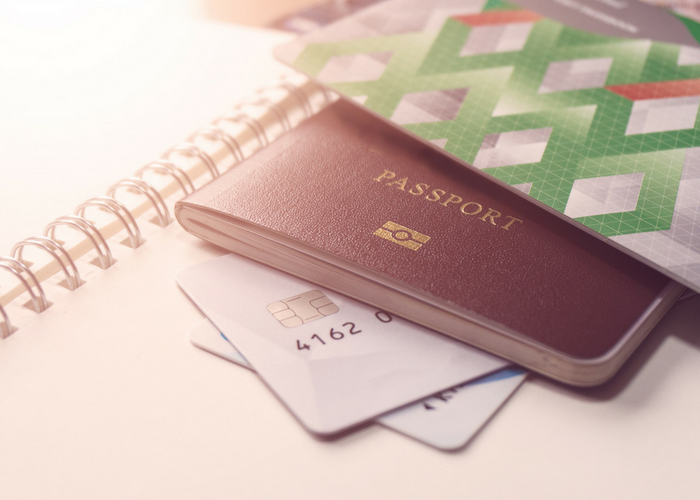
This is one of the tips you will encounter in most travel safety articles, so I won’t go into it at length here—but suffice to say that if you leave any sensitive documents lying around in your hotel room while you are out, you are a lot more likely to experience identity theft than if you have them in a money belt, document protector, even an RFID-blocking wallet.
Be Very Careful About Shared and Insecure Internet Connections

This is one thing that I have found very difficult to do—when traveling, it’s hard to find connections other than public ones at hotels, cafes, airports, you name it. To see the warning “this connection is unsecured and others may see your information” is almost a staple of the travel experience. The risk applies to anything you type into your keyboard while connected, such as email passwords and website logins.
The best approach, in this case, is to be very careful when using these connections; logging into your bank account, work email or other sensitive accounts should be avoided if at all possible. If you have no alternative, choose what you type over these open connections very carefully.
If you’re traveling with your own laptop and using free Wi-Fi, it is important to make sure your connections are secure. Some websites let you log in over open networks; always try to use HTTPS://www.website.com instead of HTTP://www.website.com (the S stands for “secure” and indicates that the data is encrypted for more protection). You can also get a plug-in for your browser like HTTPS Everywhere (Firefox, Chrome, and Opera only), which will do this automatically. Another possible solution is SurfEasy VPN, which helps encrypt your data when you’re using a public connection from your own computer.
If you want more security when using someone else’s machine, such as at an Internet cafe, hotel lobby computer or another public terminal, you can try a pay service like Authentic8. Authentic8 runs the browser in a “silo” in the cloud, where all connections and data are kept secure. The service gives you a display on the local computer and prevents things like keyloggers from accessing your passwords.

No comments:
Post a Comment